
What’s New in CareStack
Join Us for the CareStack 5.43 Release Webinar
CareStack 5.43 Release delivers meaningful enhancements across mobility, front office operations, clinical workflows, analytics, and financial controls. Each update is designed to remove friction, improve visibility, and help practices move faster with confidence.
CareStack V5.43 Features
Don’t Miss Out on these Exciting Updates that
Enhance Your CareStack Experience
CS Mobile App

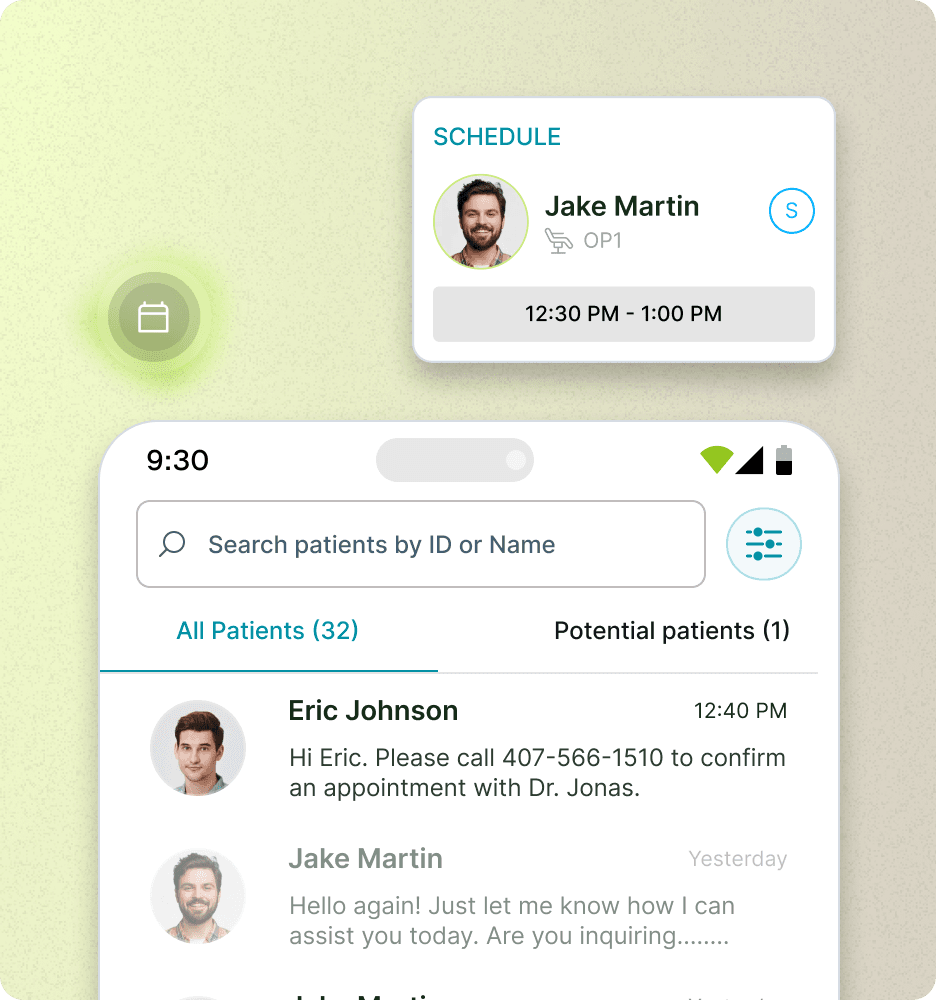
Manage schedules on the go
View daily appointments with confirmation status and switch seamlessly between list and calendar views directly from your mobile device.
Instant access to patient information
Quickly search and access patient details, medical alerts, and treatment history without logging into the desktop system.
Faster patient communication
Call, email, or chat with patients instantly and manage all conversations from the CS Mobile App available on the App Store and Google Play Store.
Front Office
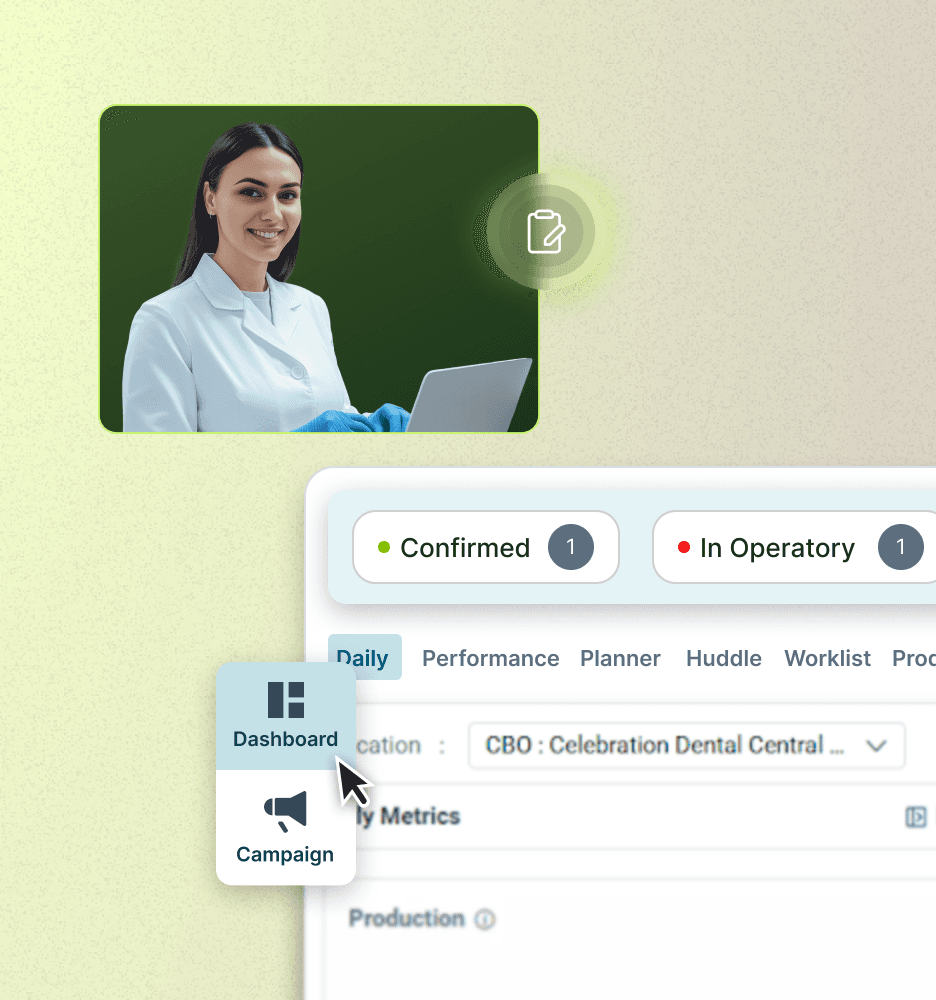
Patient Tracker
Revamped Patient Tracker with new Compressed and Expanded Views, configurable status chips, drag-and-drop status updates, threshold indicators, and improved appointment visibility
Breaks on Schedule
Introduced the ability to add up to three breaks within a provider’s schedule
Edit Provider Availability
Easily edit or modify a provider’s availability directly from the Scheduler, with automatic date templates
Clinical
Treatment Plan Templates
Introduction of Treatment Plan Templates for faster, standardized treatment plan creation
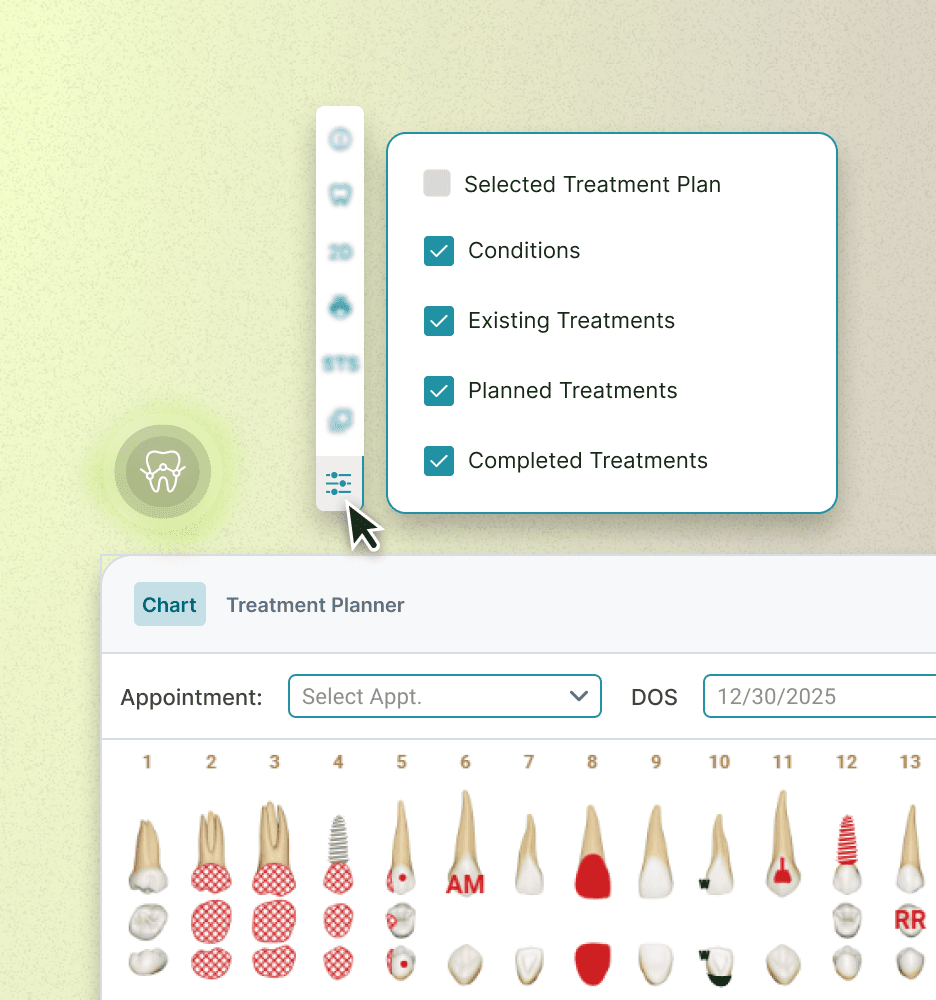
View Tx Plan in Chart
Use the new Tx Plans tab in the Chart to view and manage treatment plans alongside the odontogram
Tx Plan Agreements by Location
Create and configure Default Treatment Plan Agreements at a location level for multi-location practices
Patient Engagements & Services
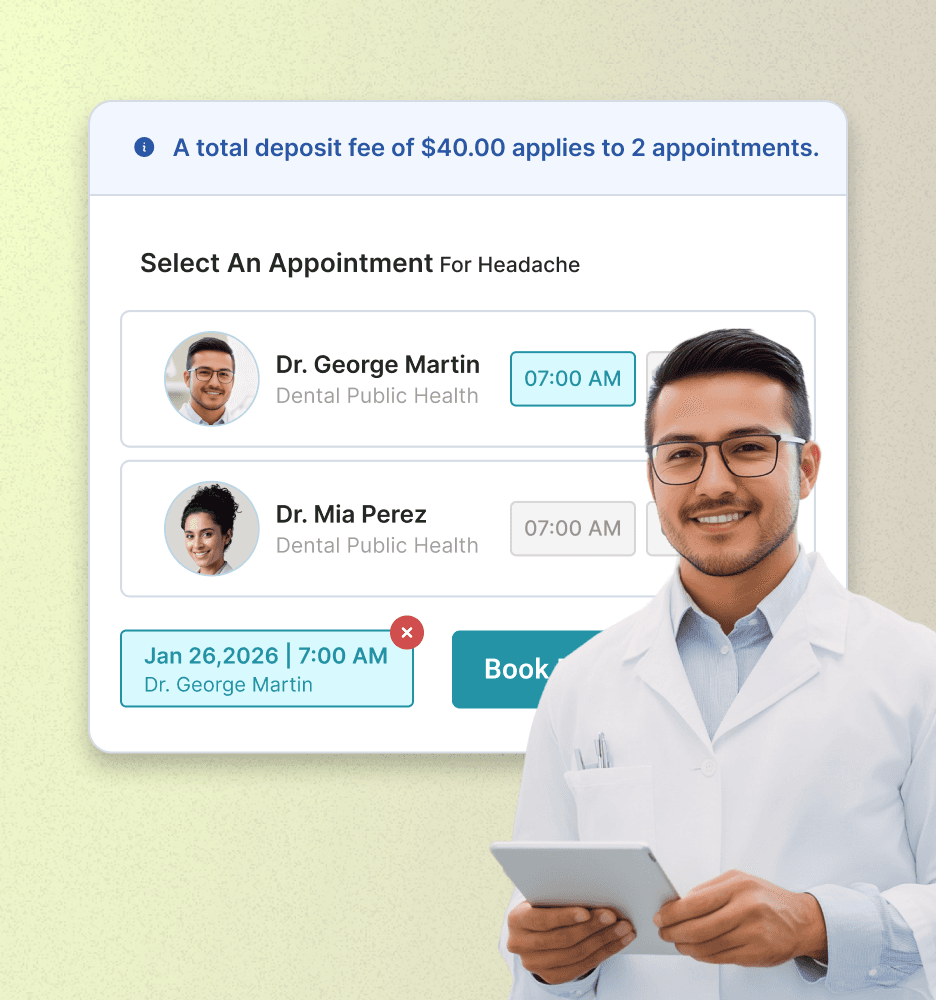
Online Appointment Improvements:
The enhanced workflow allows practices to collect a deposit fee from a patient making multiple online appointments
Text Messages Improvements
Introduced the ability to mark text messages as unread for follow-up and improved handling of text templates
Online Appointments List Improvements:
Enhanced Online Appointments List with clickable preferred times, patient links, and advanced message filtering
Revenue Cycle Management (RCM)
Ledger Improvements:
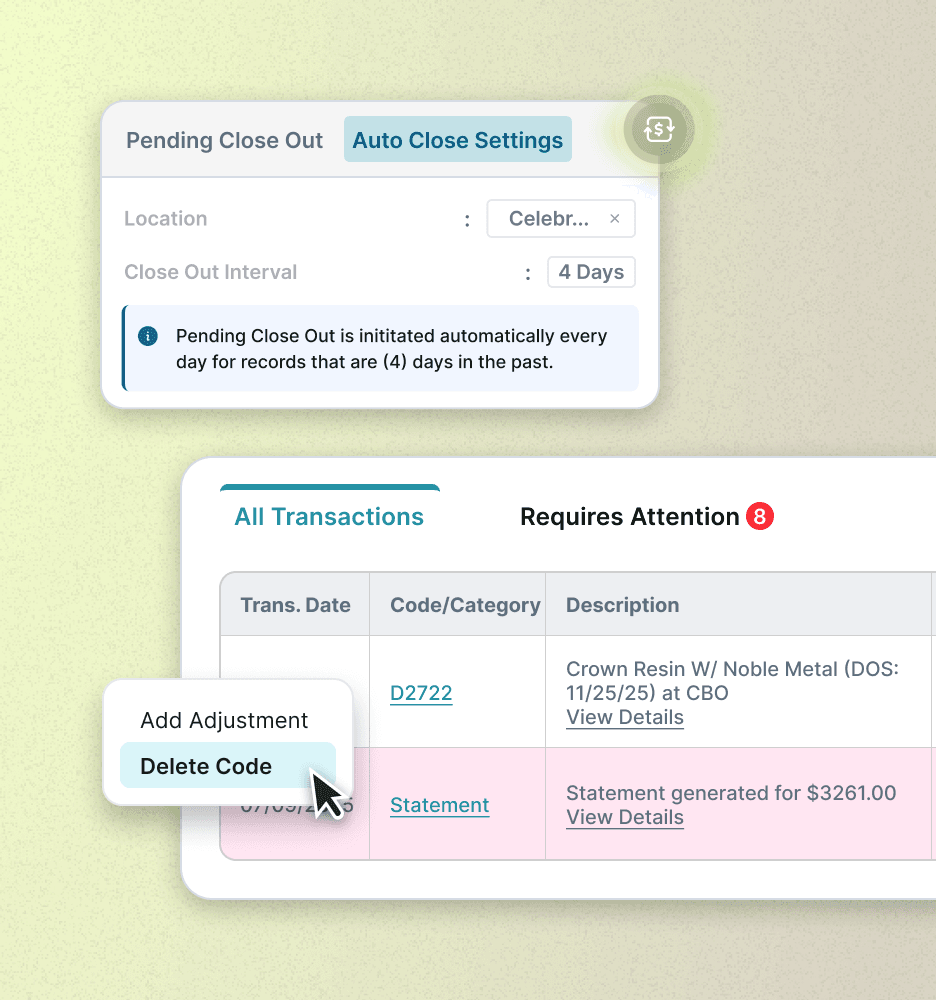
Reverse Adjustments and delete completed codes directly from the ledger
CS Attachment Updates
View historical attachments that were sent with a claim inside the new Attachment History view in CS Attachments
Close Out Improvements
Introduced Automated Close Out workflow with enhanced, role-based permissions
Referrals
Treatment Reports
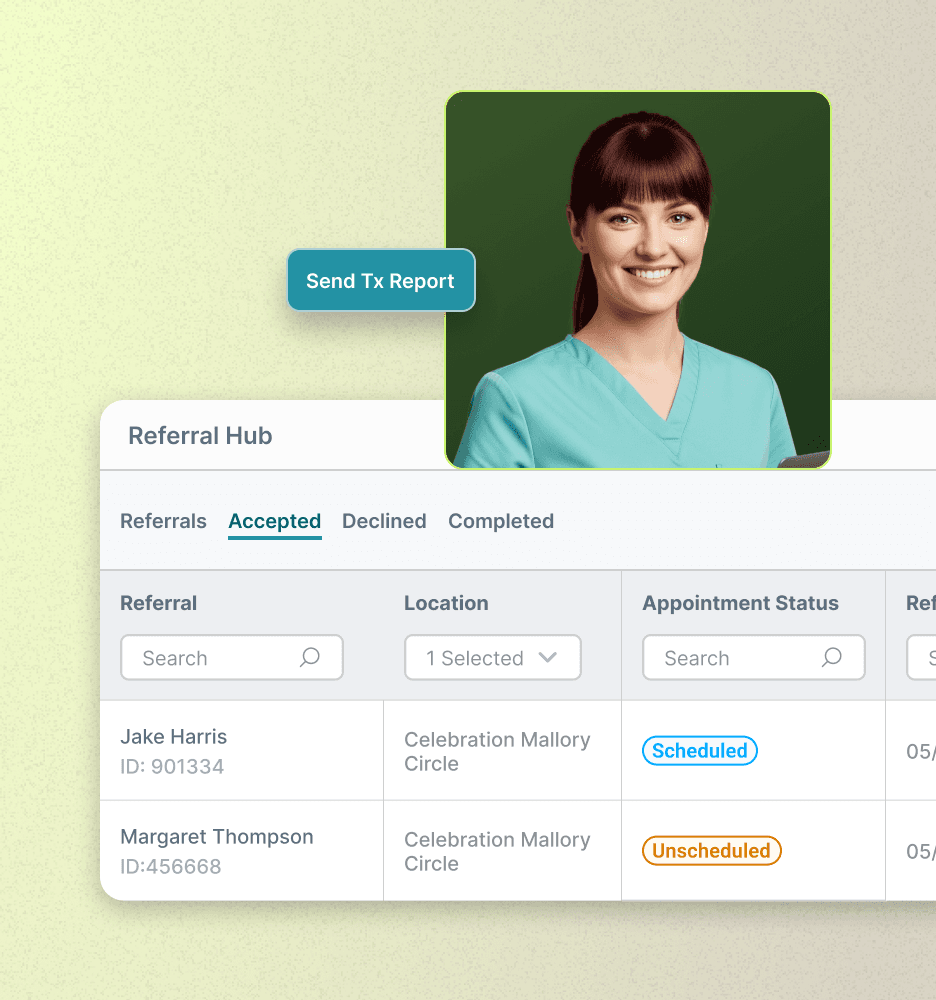
With the new Treatment Reports, specialty practices can send structured treatment updates to referring providers once a referral is accepted, with full tracking of sent reports
Referrals Status Updates
Introduced the ability to mark referrals as Completed, automatically organizing closed cases into a dedicated tab and separating active from closed referrals.
Reporting & Analytics
Practice Analytics
Introducing the new Practice Analytics dashboard module with pre-built dashboards, custom views, drill-downs, trends, and multi-metric cards to meet all your analytics needs
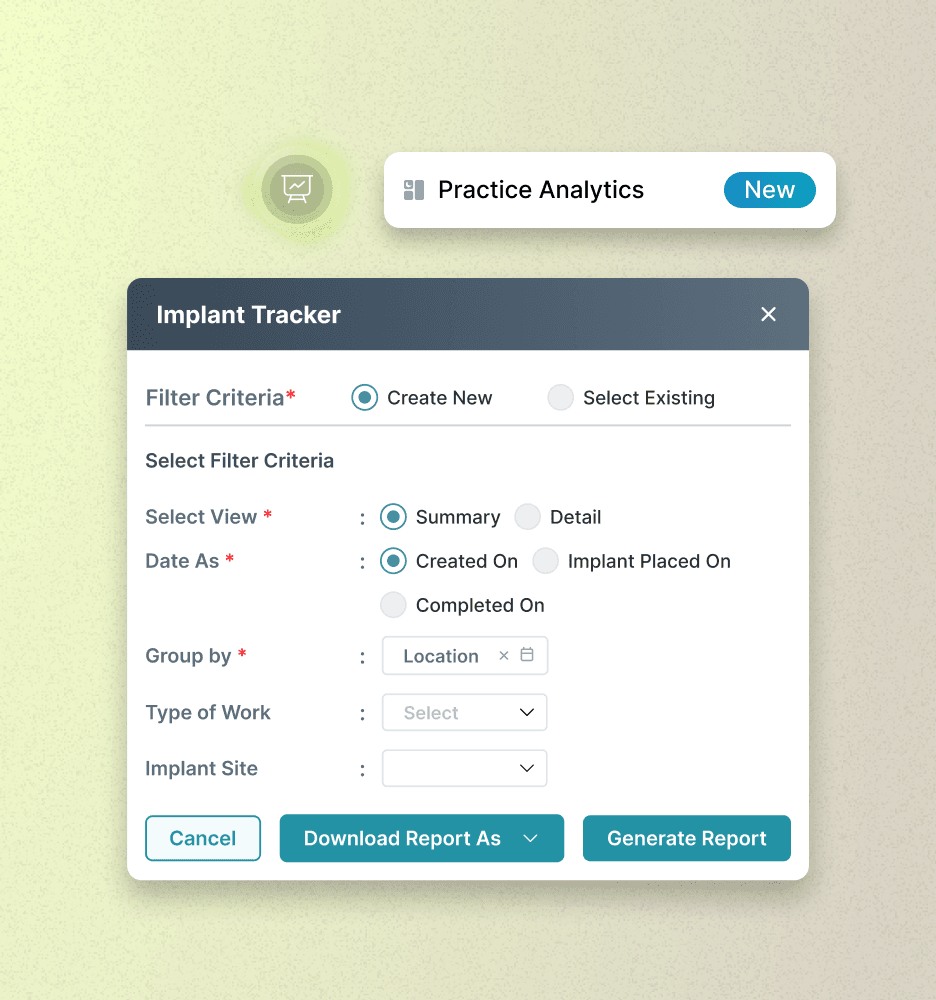
Implant Tracker Report
With the new Implant Tracker Report, monitor implant volume and treatment progress with flexible date, grouping, and filtering options
General
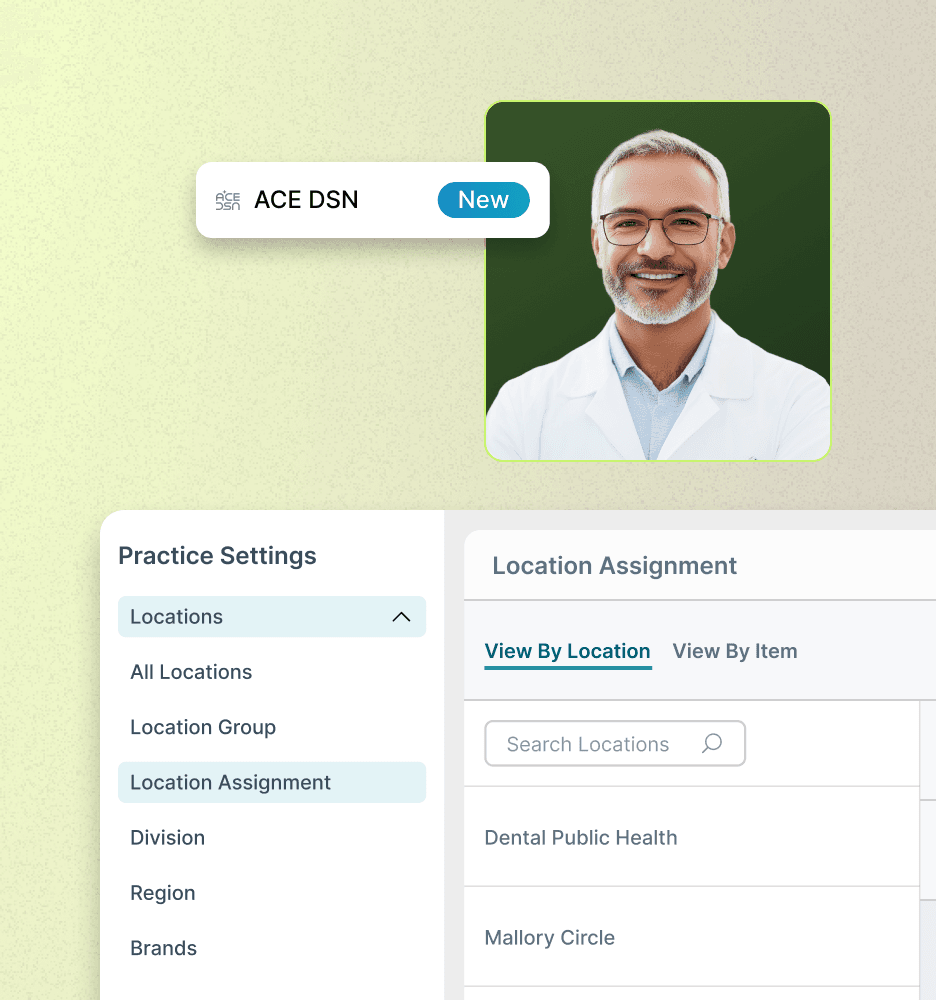
Location Assignment controls
Control visibility of certain data, reduce clutter and improve operational efficiency with the new Location Assignment and Visiblity Control options
Hide Deactivated Locations
Introduced the ability to hide deactivated locations to prevent accidental data entry
ACE DSN
Access ACE DSN directly within CareStack to streamline procurement, centralize spend management, and manage lab cases from a single platform.
Speakers

Jackie Yogerst
Product Manager

Revati Krishnan
Sr Product Manager

Elza Ebenezer
Sr Product Manager

Mathew Kandirickal
Product Manager

Ganesh Sankar
Product Manager
Release notes
Stay In the Loop With Our Latest Release Features, Along With Notes From Past Releases All in One Place.
CareStack v5.43
Key updates include the new CS mobile app, improved patient flow visibility, faster treatment planning, powerful analytics, automated financial controls, smarter scheduling, and enhanced referral communication.
CareStack v5.42
Key updates include Custom Dentition by Age for orthodontic accuracy, location-based Sales Tax controls, Maximum Discount limits for better pricing control, and a new Patient Merge feature to eliminate duplicate profiles and improve data accuracy.
CareStack v5.41
Key updates include a new Patient Merge feature to improve data accuracy by identifying and merging duplicate patient profiles.
CareStack v5.40
Introduces new features like the Prescriptions Report, Insurance Manager, and Patient Survey to streamline workflows.
CareStack v5.39
Improved Statements, a redesigned Patient Portal with task management, and a color-coded tree view for Insurance Plans.
CareStack v5.38
Introduces a Text to Pay Control Center and improved Transaction Charges management for simplified financial operations.
CareStack v5.37
Introduces a new Notifications feature and a redesigned Online Appointment Portal for enhanced patient experience.
© 2017 - 2026 - Good Methods Global Inc. All rights reserved.